

Everhold
Everhold
A little more to call home, every day.
The world returns with the dawn. What will you keep?
Everhold combines factory building and time-loop survival with a story about finding a place to belong. Gather and automate through the day, then keep your workshop protected as the world renews around it.
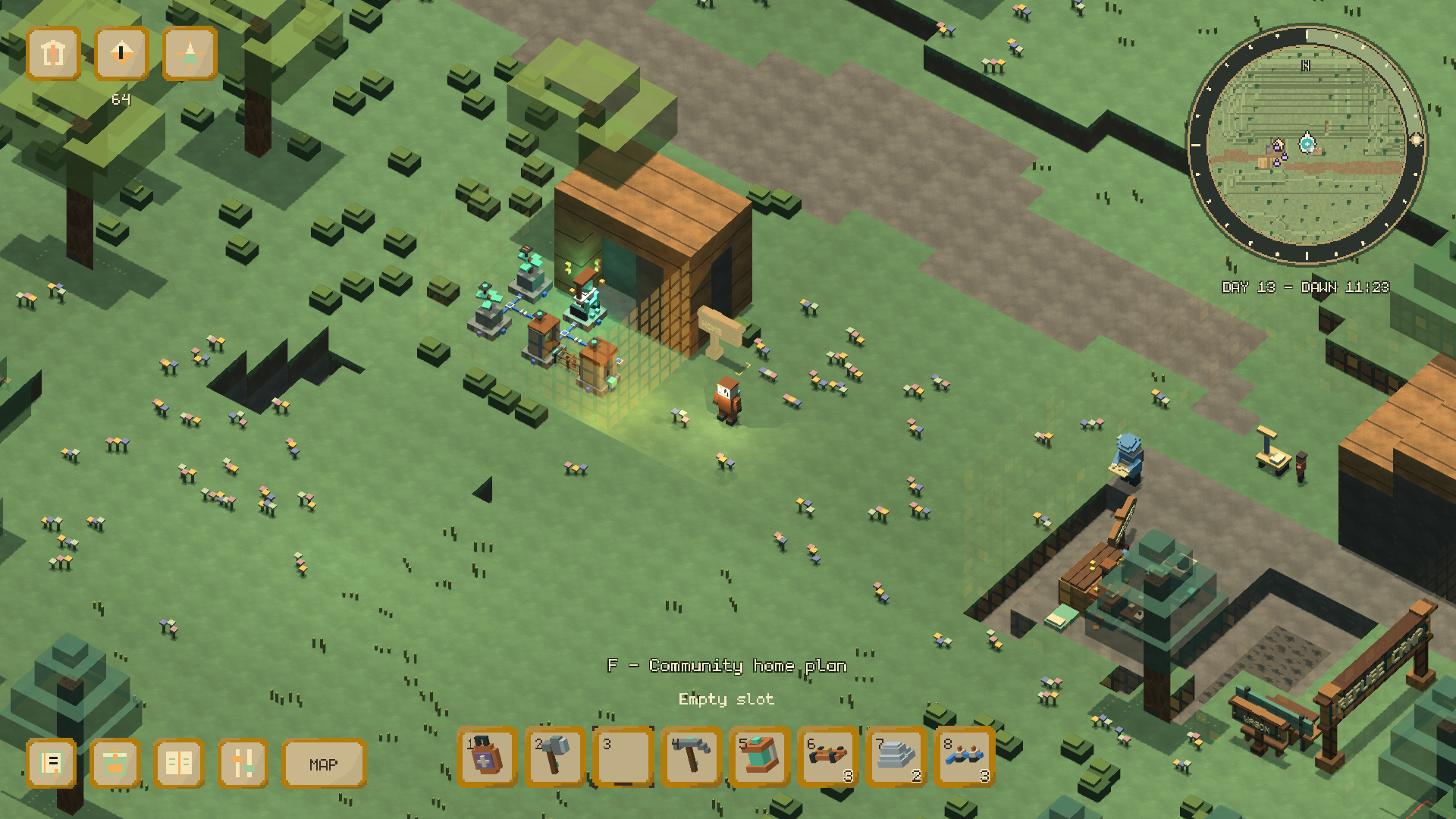
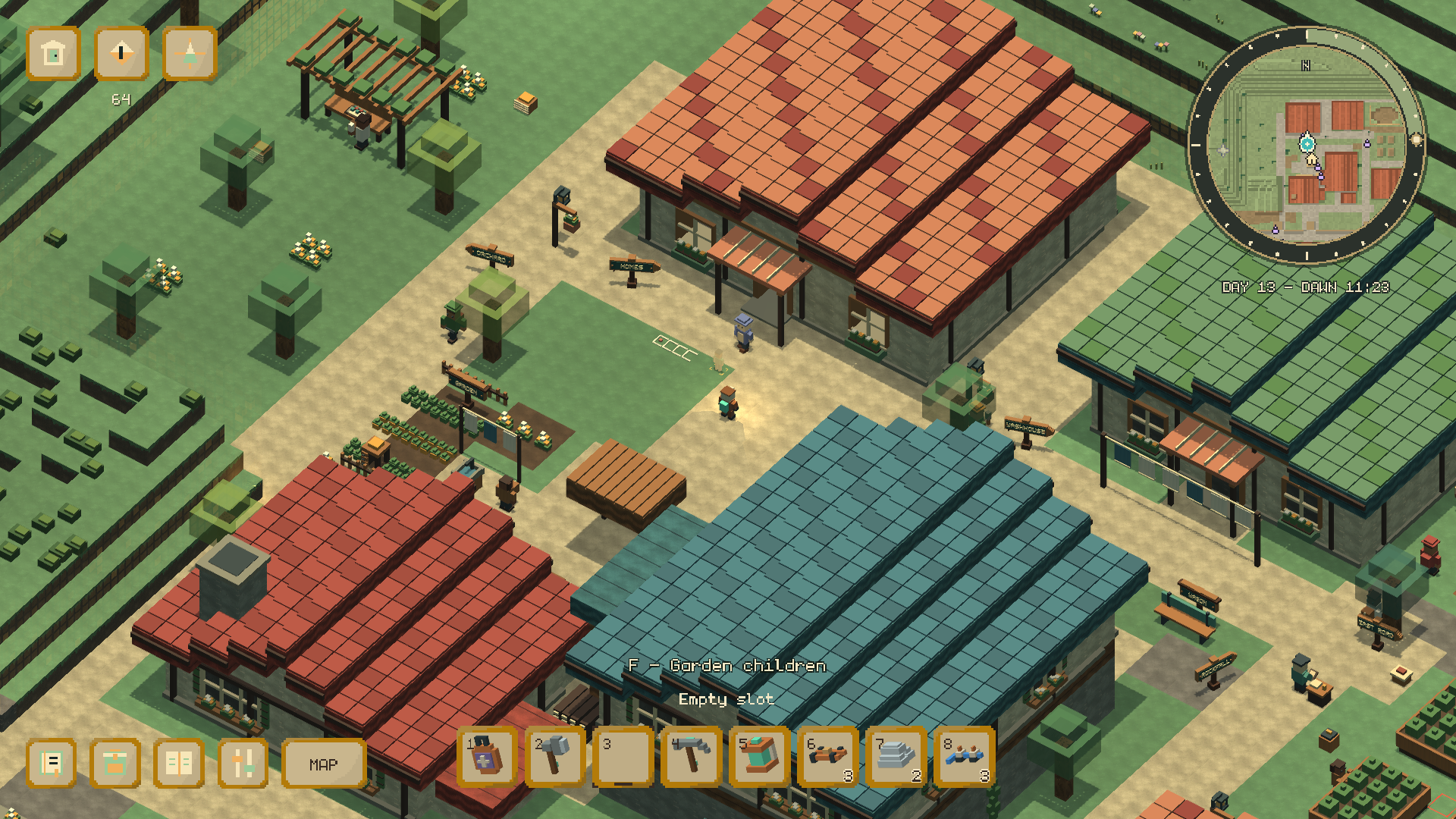
After a crash in the woods, a small refuge gives you somewhere to begin. Earn your tools, follow the paths into town, and turn gathered wood and ore into a working home.
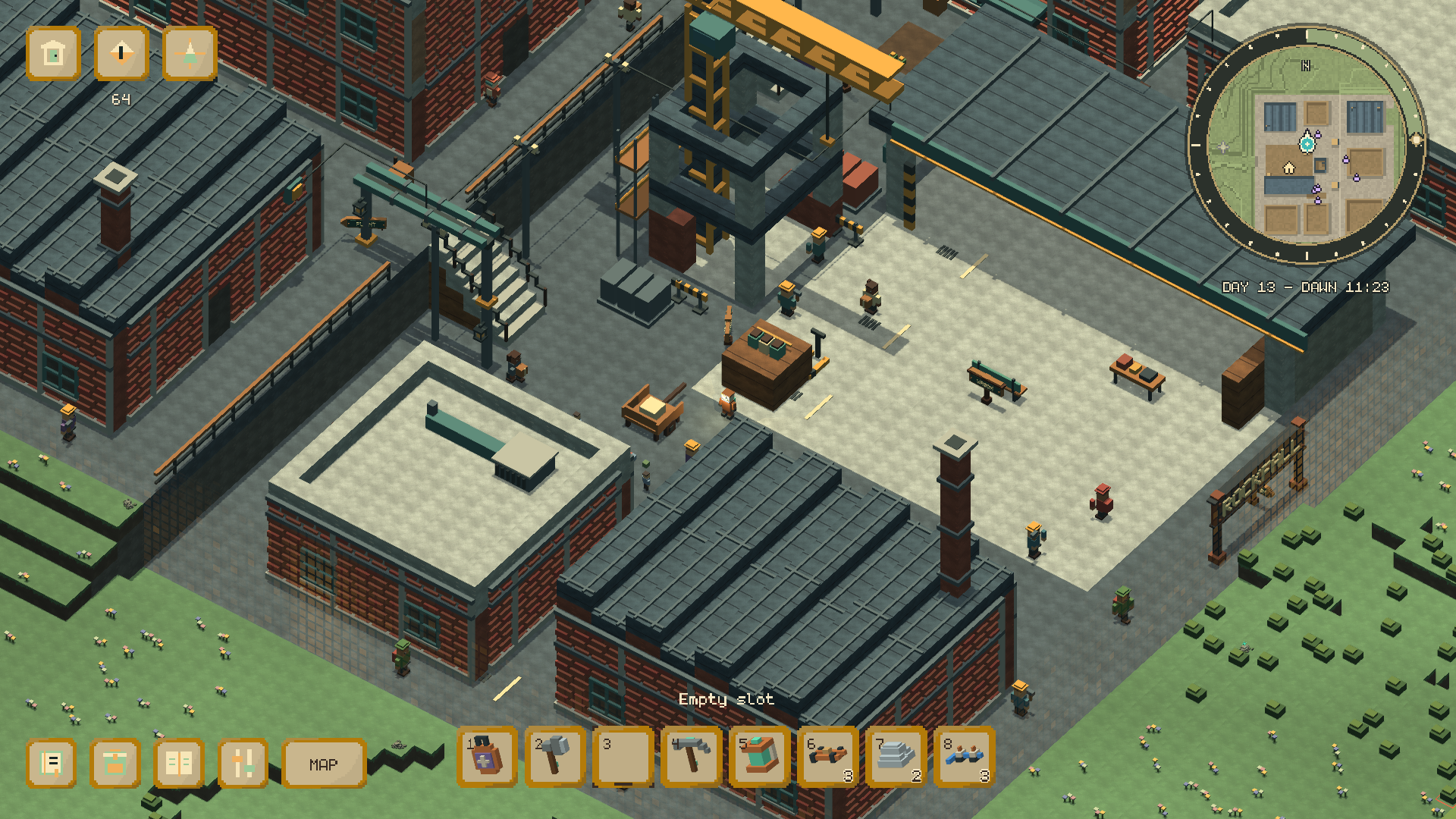
Meet the people of Microcosm and Rockfall, help with their requests, and find the small stories tucked between ordinary days. Build machines, connect power and pipes, and decide how to keep your corner of the world safe when morning comes.
Make yourself at home
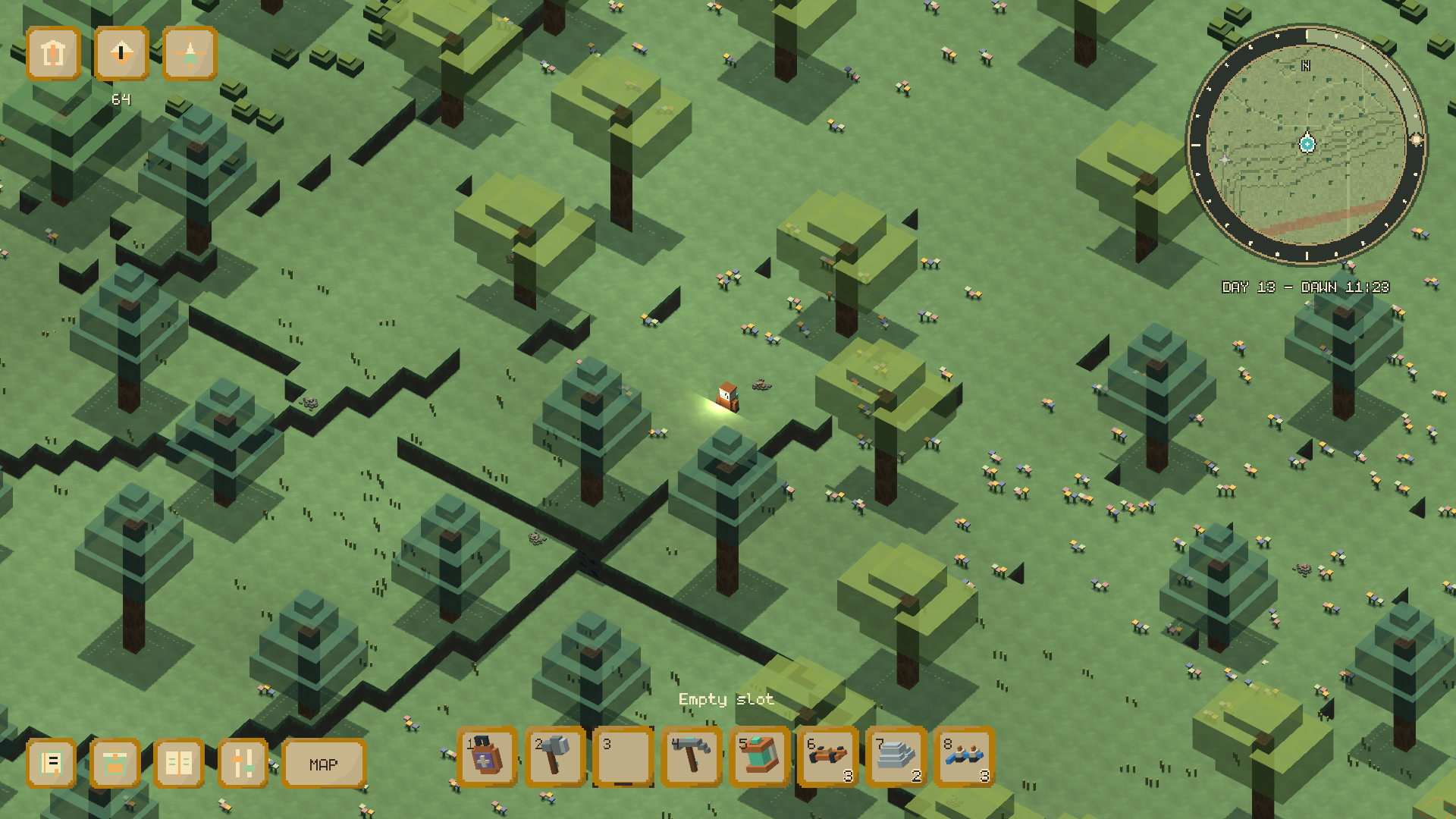
- Explore voxel woodland, caves and two distinct towns.
- Gather, craft and connect a small workshop of machines.
- Follow local requests and discover optional conversations and shared moments.
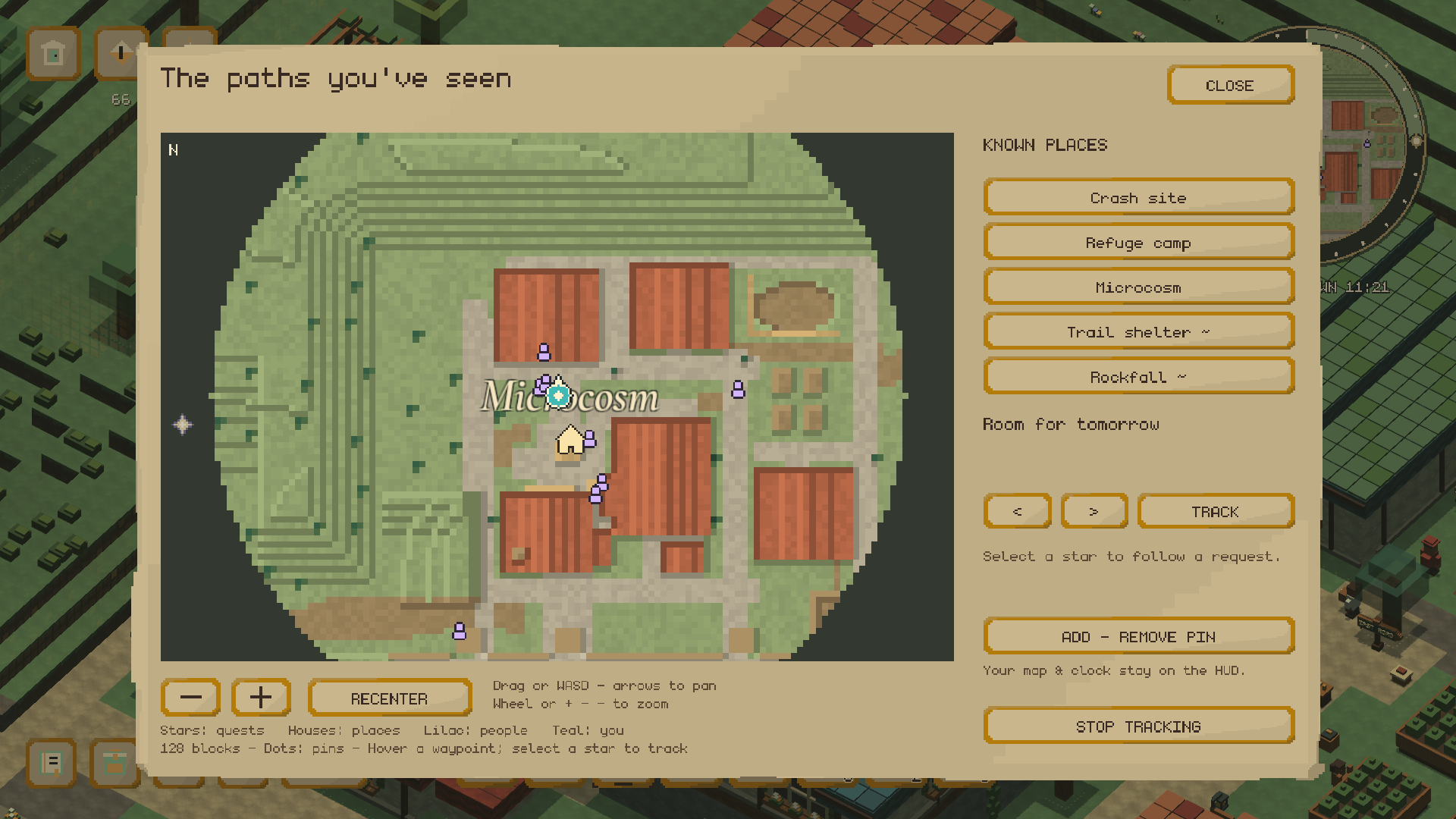
- Navigate an explored map with quest stars and personal pins.
- Choose between two approaches to powering and protecting your home.
Before you begin
Play in a desktop browser. Click the game to focus it; fullscreen gives the map and menus more room.
Esc opens pause. The clock keeps running while you read conversations, browse your pack or use the map. Close those panels and pause when you need a break.
Progress saves in this browser. Use Manage Saves to export a backup or import one on another browser or device. Clearing site data can remove local saves.
Settings has separate effects, music and ambience levels. Dawn camera shake can be reduced or turned off.
The opening story advances automatically. Begin descent and Look around wait for you; hold S (controller View) for 1.5 seconds to skip the introduction.
Keyboard & mouse
- Move / sprint / jump: WASD / Shift / Space
- Turn / orbit / zoom: Q or E / middle mouse drag / Ctrl + wheel
- Harvest / place / rotate: hold left mouse with the right tool / right mouse / R
- Talk or inspect: F
- Collect / reclaim your machine: C / X
- Rest at the Hearth: Shift + F
- Choose a hotbar slot: wheel or 1–8
- Pack and crafting / journal: I or Tab / J
- Surface map / field guide: G / H
- Back or pause / mute: Esc / M
In the map, drag or use WASD / arrows to pan; wheel or + / − to zoom. Select a quest star to track it. Click the circular HUD map’s center for the full map or its outer ring for the dawn report.
Controller
Xbox labels are listed here; the in-game Controls page also includes positional button names.
- Move / sprint / jump: left stick / hold left stick click / A
- Aim / orbit / zoom: right stick / LT + right stick / LT + D-pad up or down
- Recenter cursor: right stick click
- Harvest or place selected item: RT
- Talk or inspect: X
- Choose slot / rotate / collect: LB or RB / D-pad up / D-pad down
- Reclaim / rest: LT + X / LT + Y
- Pack / journal / map: Y / View / LT + View
- Pause / back: Menu / B
- Menus: point / select / drag: either stick / A / hold A and move
- Split / transfer / scroll: X / LB + A / D-pad up or down
Made by
- Jeremy — developer
- Bev — writer
Music, sound & font credits
- Music and cave ambience — AlkaKrab
- Selected environmental recordings and effects — Sonniss GDC 2024 contributors
- Additional effects — Kenney
- Map lettering — Cormorant Project Authors
- Monogram Extended — datagoblin / Vinicius Menezio
The full audio contributor list and license notices are included with the game.
Leave a comment
Log in with itch.io to leave a comment.